Your memory.
on you.
A personal AI memory,
Mission keeps what AI should know about you on your device, not on someone else's server. Bring it to the agents you choose. Share only what a conversation needs. Unplug, and future access stops.
What AI knows about you is
Every assistant keeps its own partial copy of you, on its own servers, under its own rules. Switch tools and you start again. None of those copies is yours.
One memory. Yours to carry.
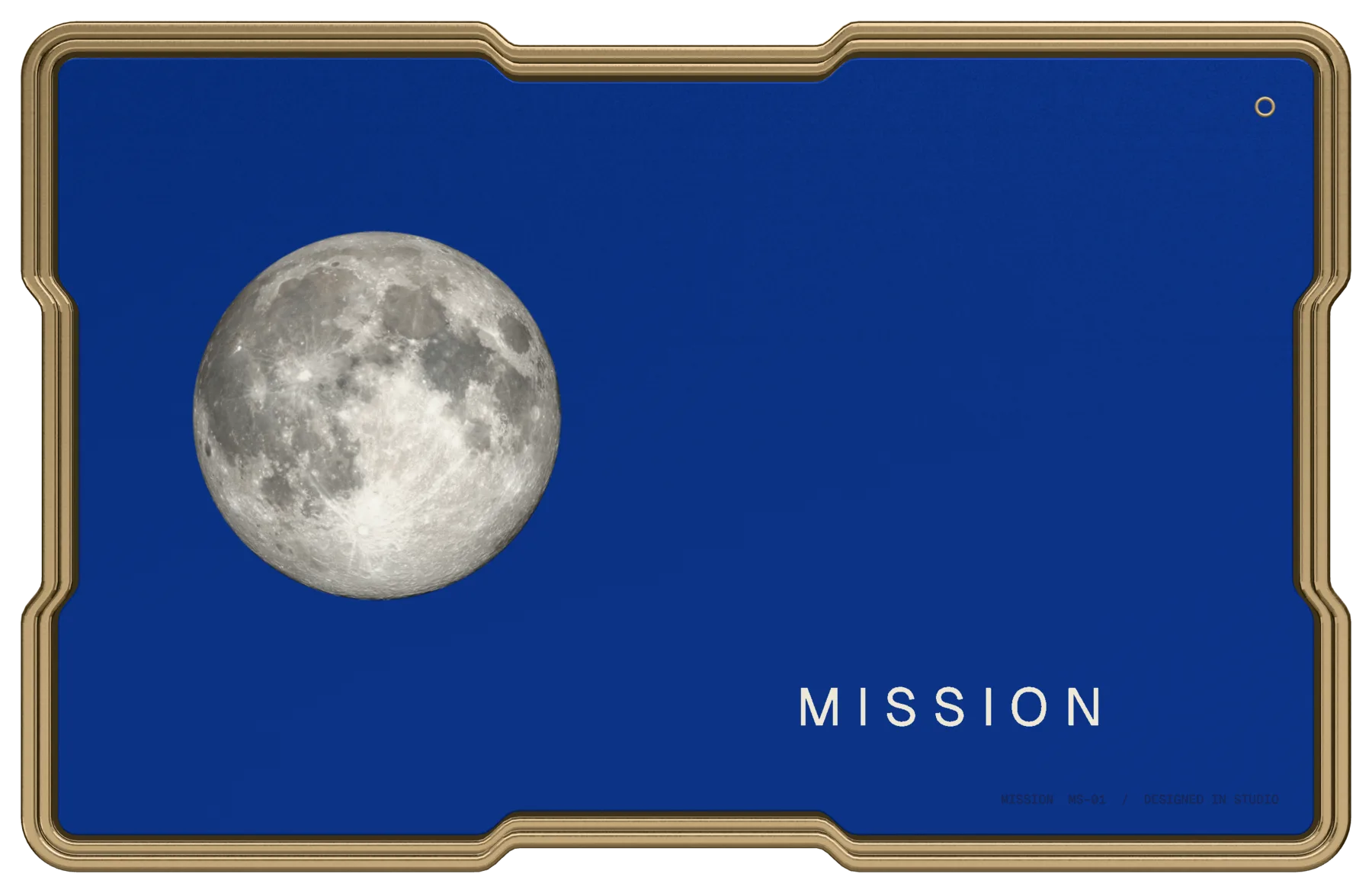
Mission gathers it into a single encrypted memory that lives on a device in your pocket, not in a provider's account.
Hold it in your hand.
Encrypted on the device.
The memory is stored encrypted on the card itself. It is the source of truth; nothing about it lives in a Mission cloud.
Credit-card size. 4.4 mm.
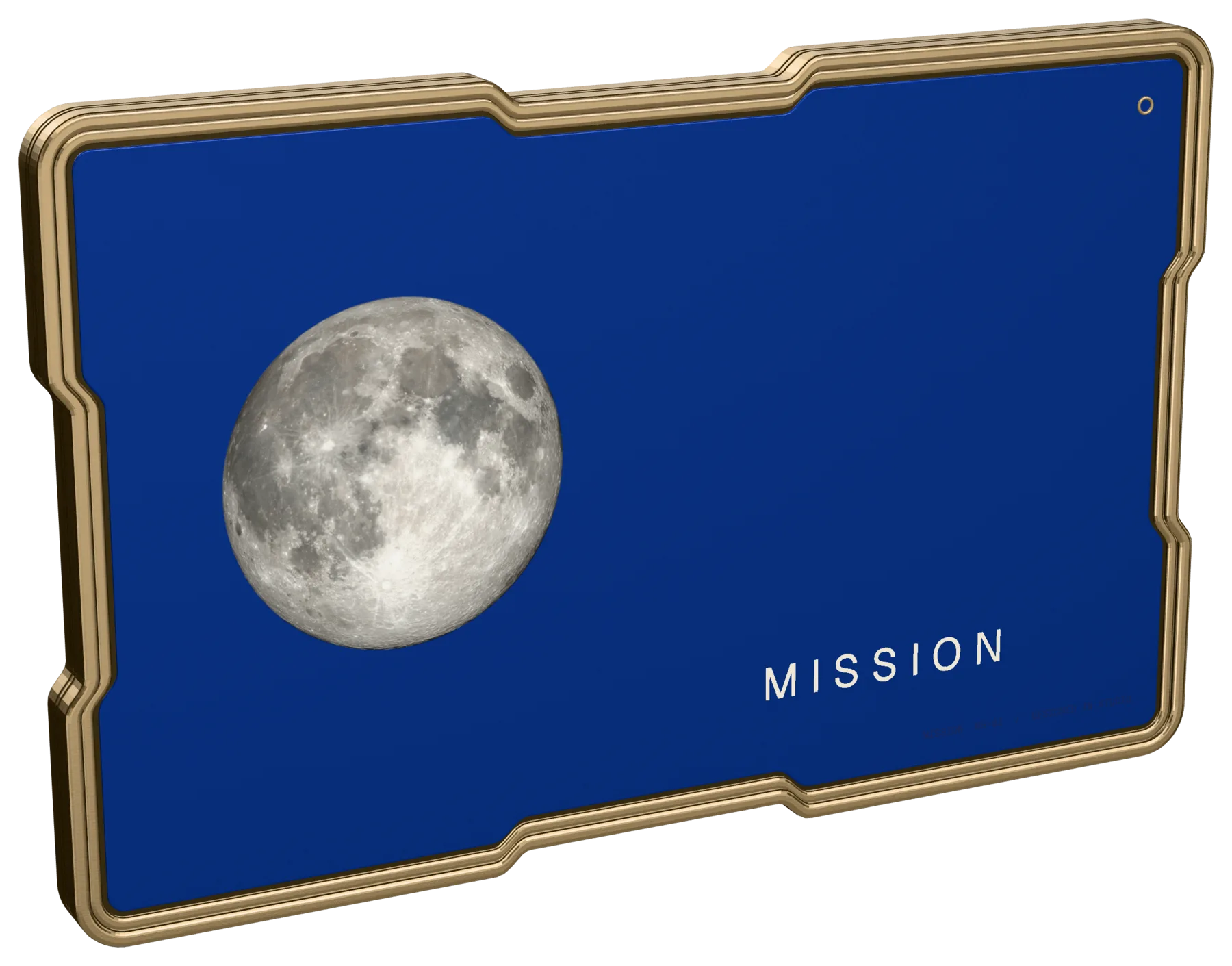
Deep-blue body, champagne-metal rim, symmetrical inward-cut contours and a USB-C socket in the edge.
Works while it is connected.
A small helper on your laptop unlocks the memory and runs the connector. Take the card away and there is nothing left to connect to.
The Moon on the front, the Earth on the back.
Apollo 17’s Blue Marble, printed on anodised metal. NASA imagery, credited below.
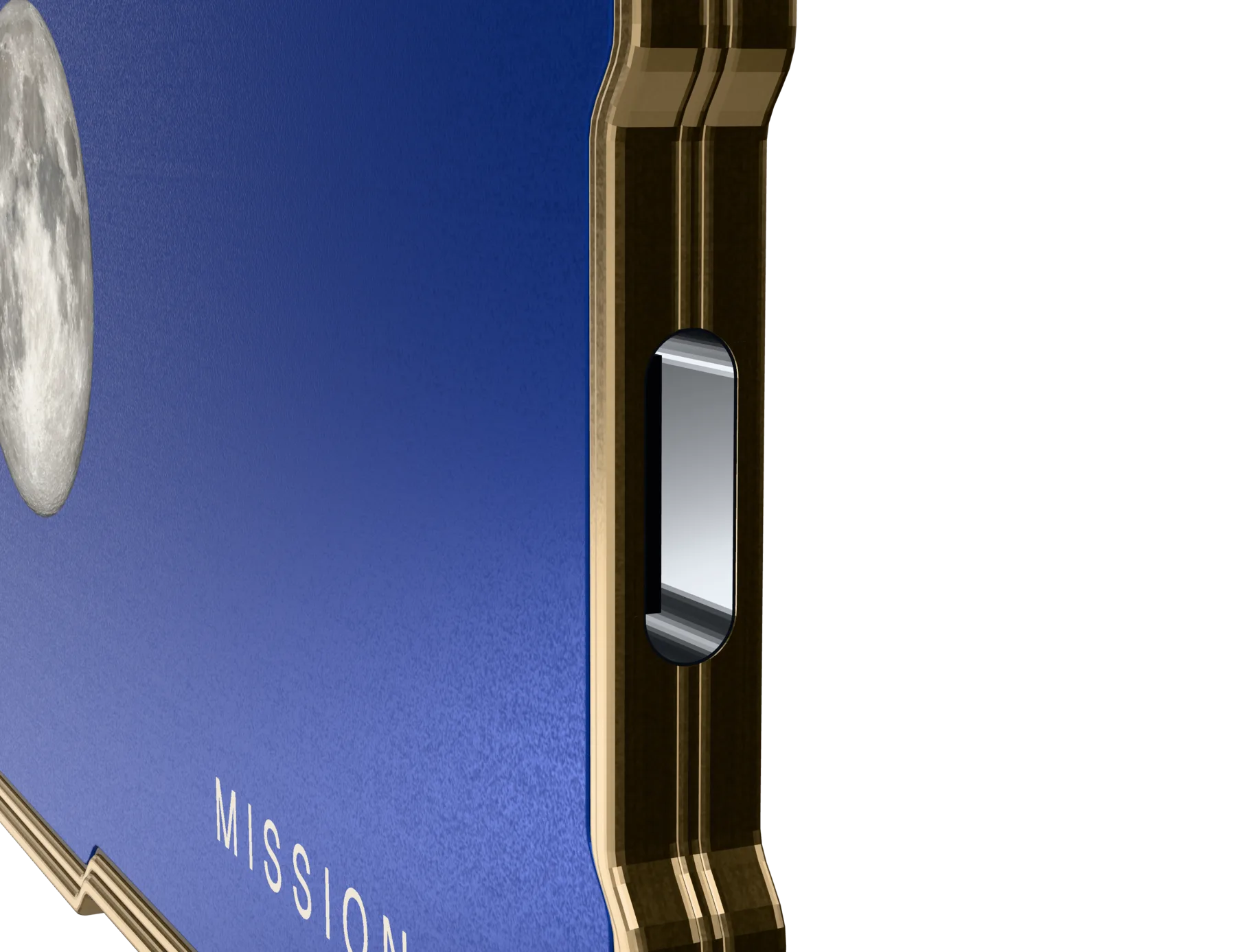
Plugged in, it answers. Pulled out, it doesn't.
- Plug inThe helper on your laptop unlocks the memory and starts the connector locally.
- GrantEach agent gets only the areas of memory you allow, and only for that session.
- UnplugConnector access stops straight away. New requests from any agent fail.
- Be clearUnplugging doesn't recall what an agent already received. Its provider may keep shared context under its own policy.
Not tied to one model. Or one company.
Mission speaks MCP, an open protocol for giving AI tools context. You decide which agent connects and what it may read. Here is honestly where support stands.
Claude Desktop
Local MCP connector. The strongest path today.
Best todayLocal models
Optional, via Ollama. Runs on your own laptop, so shared context stays there.
OptionalOther MCP clients
Apps that speak local MCP can connect, with quality that depends on the app.
VariesChatGPT
Depends on what connector support that app offers on your plan and platform.
VariesGrok
Same story. We won’t promise support that the provider hasn’t shipped.
VariesThere is no universal integration and no one-click memory import from AI providers today. Bringing existing memory in starts with each provider's own data export.
Connect. Grant. Ask.
Try the access model with made-up memory. Connect the card, choose what each agent may read, then ask something. Nothing here touches a real device, model or account, and the software it imitates is still in development.
1 · Deviceidle
3 · SessionClaude Desktop
Pick a request below. You'll see exactly which memory is packed into the session, and what is held back.
2 · Grants for Claude Desktop
Audit loglocal
Unplugging stops future access. It does not pull back anything already shared in a session; a remote provider may keep it under its own retention policy. Prefer temporary chats where an agent offers them.
The parts of life a chat window never sees. Only if you say so.
Location
Places, not a live track. Where you went, so "the café near the studio" means something.
Voice notes
Push-to-talk, transcribed locally on your own machine. Nothing is recorded unless you press.
Chief-of-staff feed
Flags changes, commitments and opportunities drawn from the signals you turned on.
Every signal starts off. Each is opt-in on its own, stored in the same encrypted memory, and shared with an agent only under the grants above.
Nothing is captured. Turn a signal on to see what it would add to a day, and nothing more.

Security,
Held by you.
The encrypted source of truth sits on your device. There is no Mission server holding a copy.
Shared on purpose.
An agent sees only the memory you grant, packed into that session. Minimal sharing is the default.
Logged.
Every grant, refusal and share is written to a local audit log you can read.
Honest about the rest.
What a remote agent receives, it receives; its provider may retain it. This is not zero exposure. Temporary chats and narrow grants keep it small.
A bed for the card. A moon that tells you it’s home.
CARD OUT · CLAMP OPEN · MOON DARK
Matte grey, bead-blasted metal. An X-shaped clamp, hinged along one side, folds sideways over the card. The split moon lights only when the clamp is shut and the card is seated.
- Storage32–128 GB
- Secure elementNXP SE050
- RadioBluetooth, NFC
- LocationGPS
- InputPush-to-talk mic, haptics
- PaymentsLater: open banking, then contactless
Planned specification for the custom card. Subject to change; nothing here is manufactured yet.
Early, and
Software v1, in development
The plan being validated: an encrypted USB-C stick holds the memory, and a local helper detects it, decrypts it and runs the MCP connector, with Ollama optional. Not released; there is nothing to download or run yet.
- Current focus, not a working release
- Claude Desktop first
- The demo on this page is a browser simulation
At-home hardware prototype
A dev-board card and a 3D-printed dock, to test seating, the moon light, sensing and Bluetooth.
- Not built yet
Custom card and dock
The deep-blue card with its own secure element, and the bead-blasted bed with the X clamp. A standard USB stick can’t be locked to memory-only use; this can.
- Founding target £249
Signals and phone bridge
Opt-in location and on-device speech, the chief-of-staff feed, and a phone app as the Bluetooth bridge. Payments after that.
- Planned
The intended price for founding buyers of the custom card. We are not taking orders, deposits or reservations, and there is no ship date. Software v1 comes first, and it is still in development.
A memory that starts with you.
Bring what you have
Request a data export from an assistant you already use, then import it. Manual, and honest about it: there is no one-click import.
A local interview
A model running on your laptop asks questions to fill the gaps, until the memory is deep enough to be useful.
Learn the rules
A short walkthrough of how grants, the audit log and unplugging work, and how the memory travels between agents.